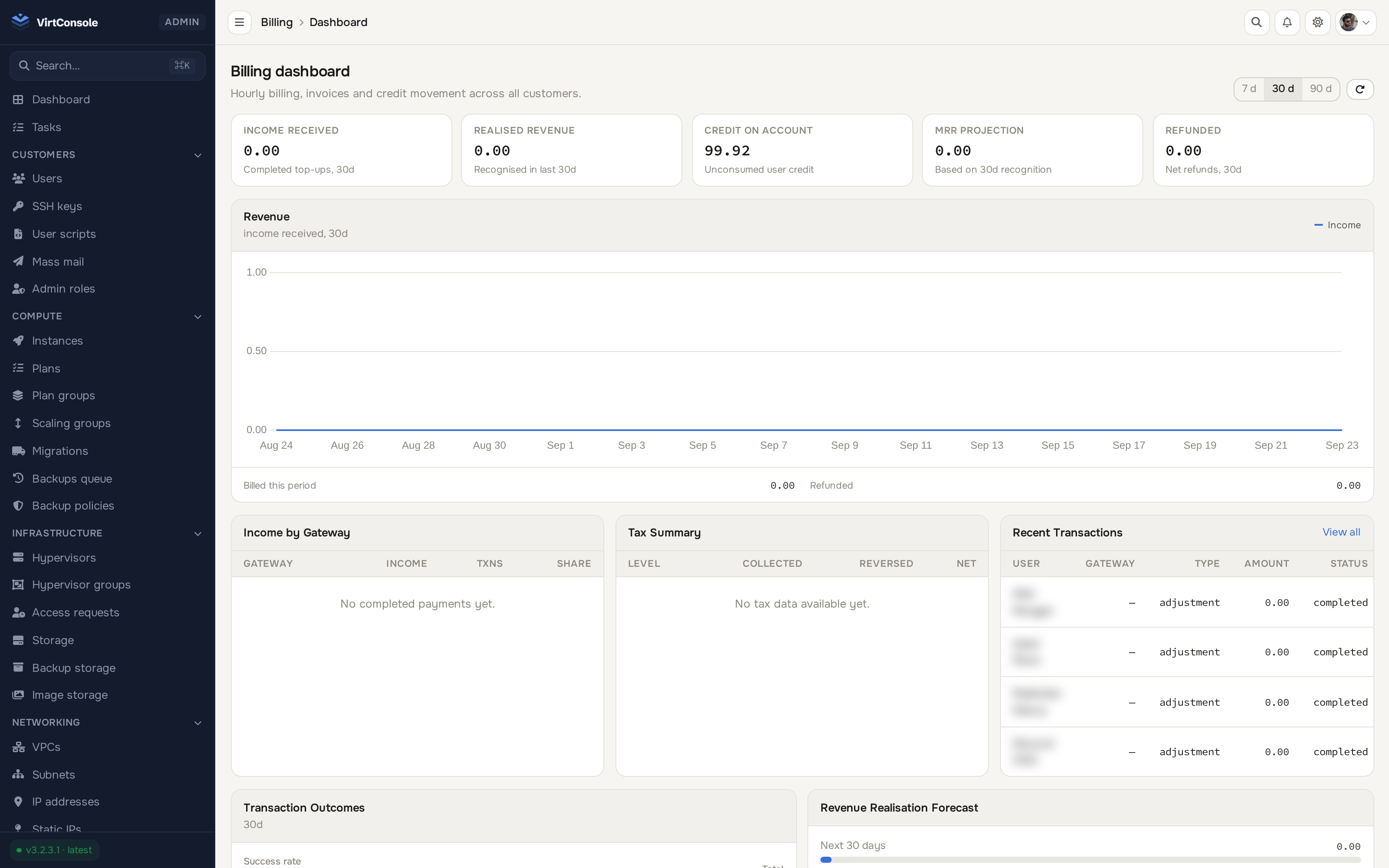
Product showcase
See the panel in action
Admin and user panels with real-time monitoring, one-click deployments, and full resource management.
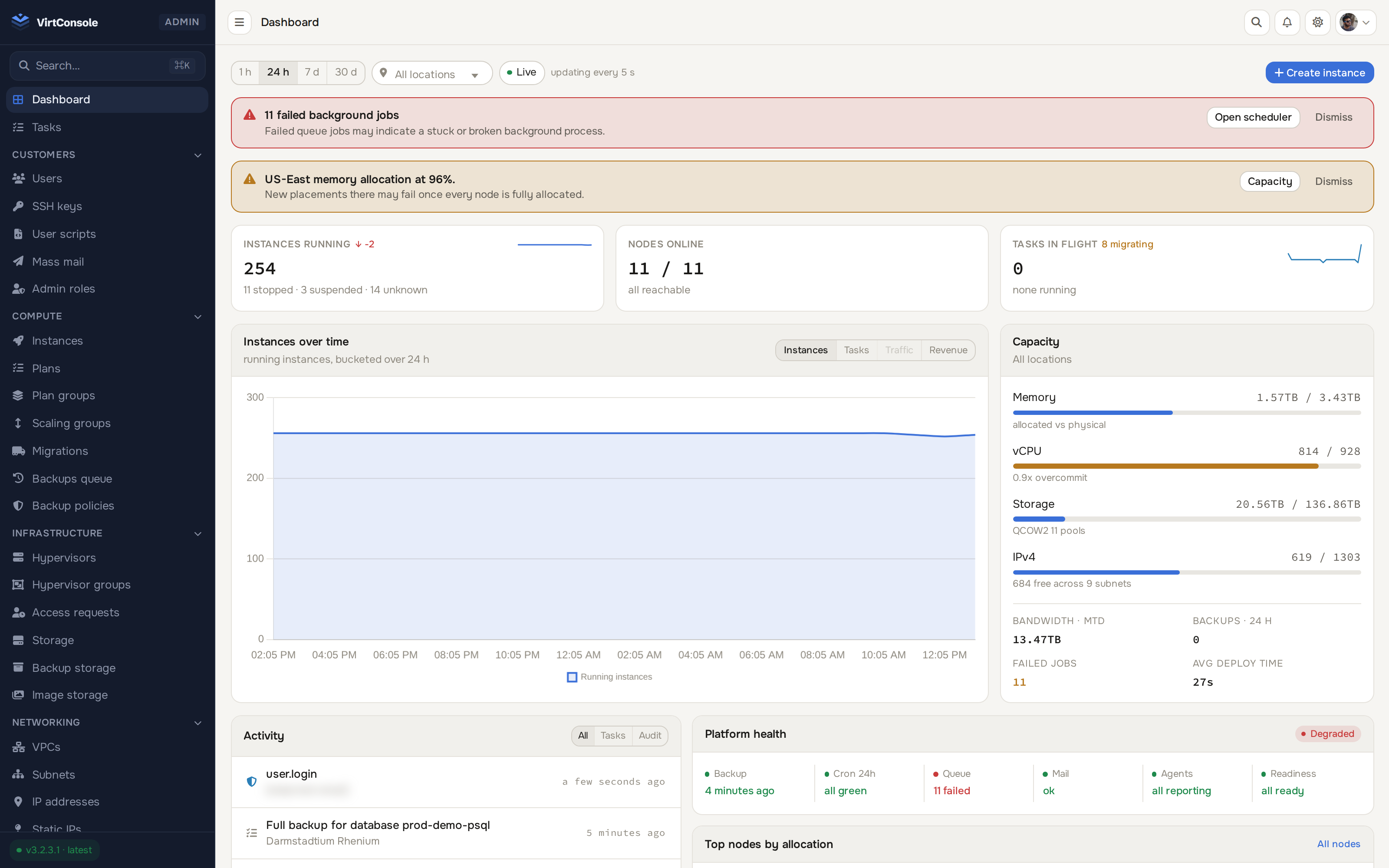
Dashboard: overview with quick stats and billing
VirtConsole turns KVM and Proxmox hardware into a cloud your customers can buy: instances, VPC networking, Kubernetes, managed databases and billing in one white-label panel. Manage it as code, or hand it to AI agents.
Admin and user panels with real-time monitoring, one-click deployments, and full resource management.
Dashboard: overview with quick stats and billing
Every resource in the panel opens into its own detail page: live metrics, configuration, and the actions that actually matter, not a wall of tabs.
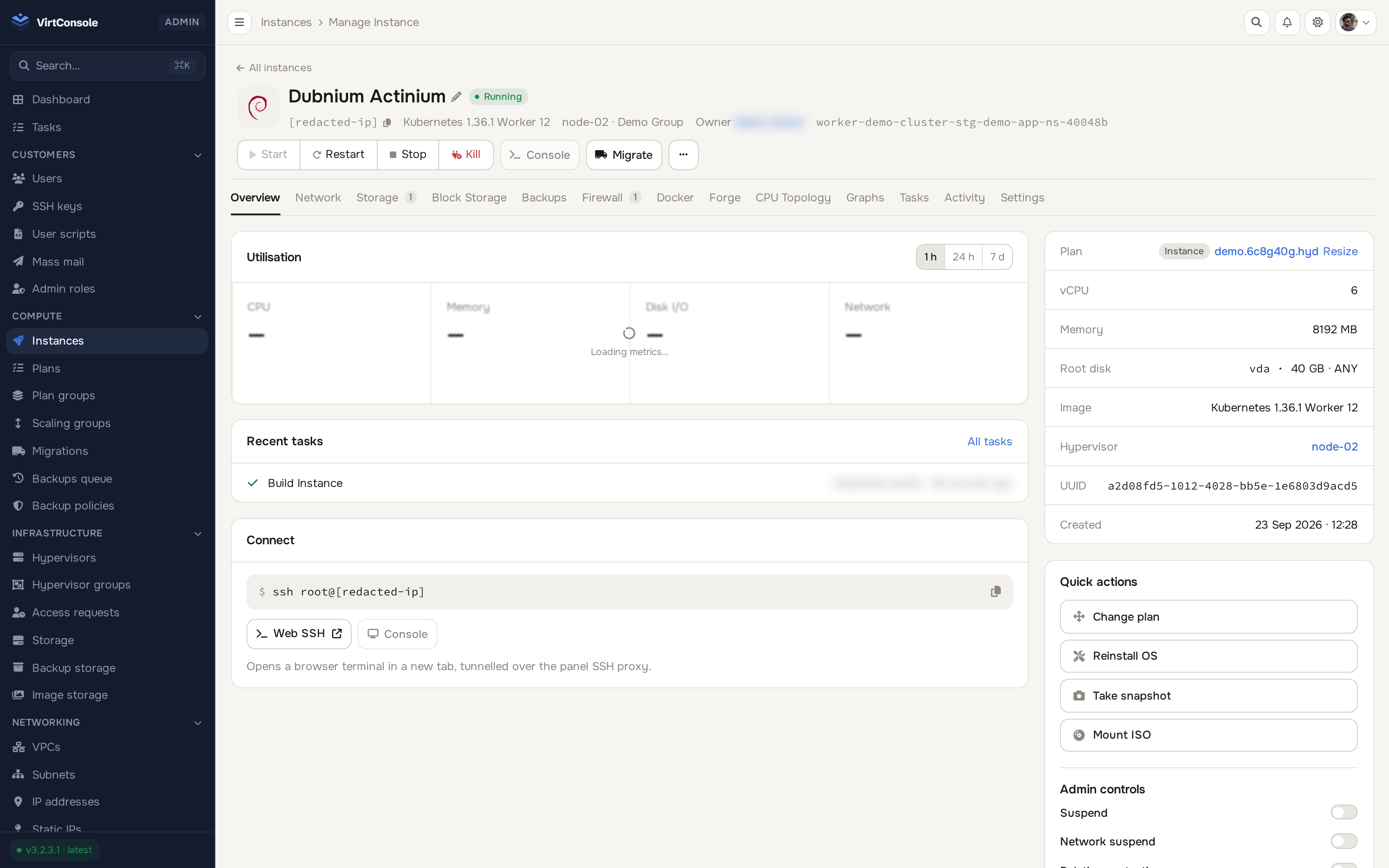
An instance detail page: live graphs, power controls, console, all one click away
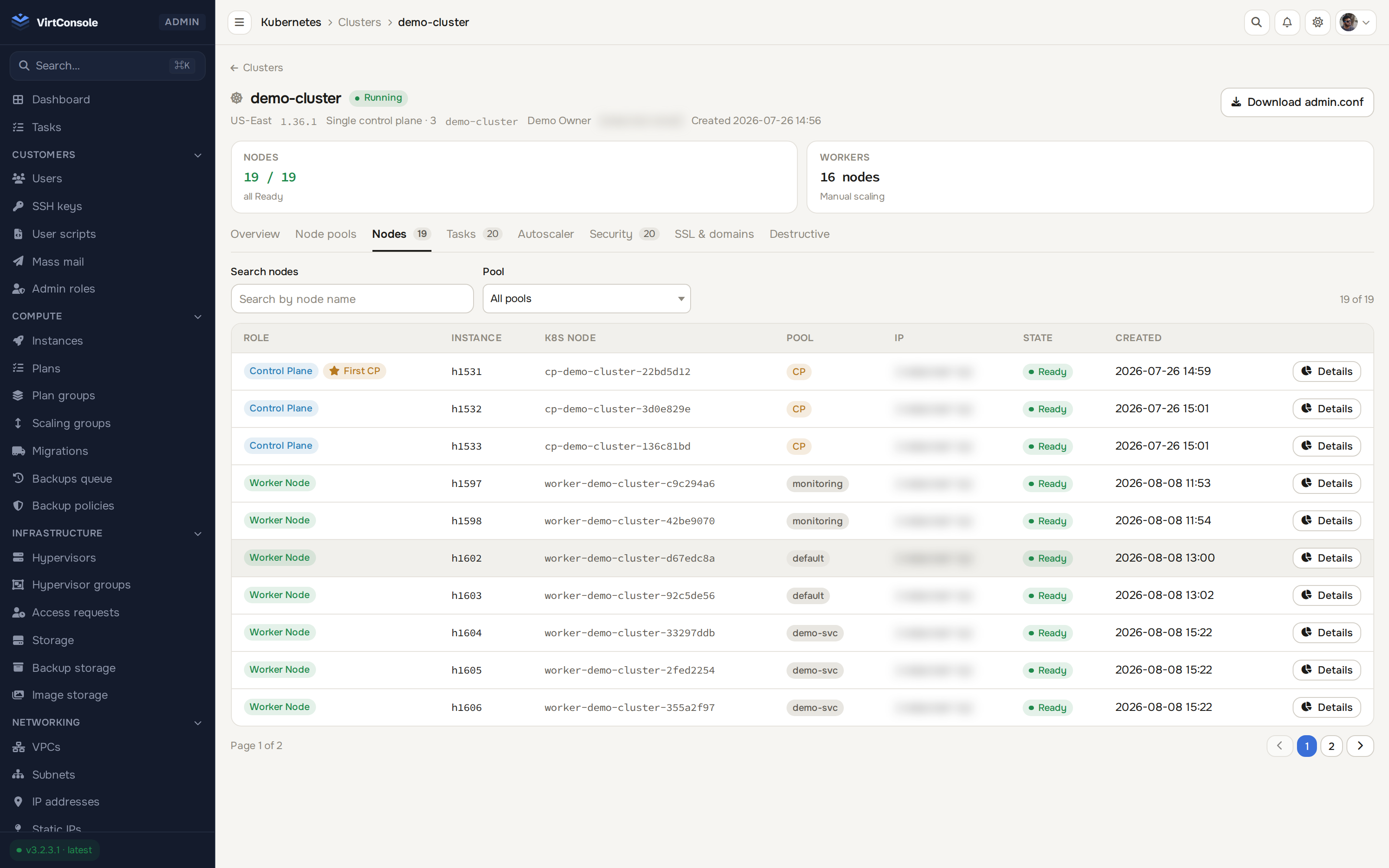
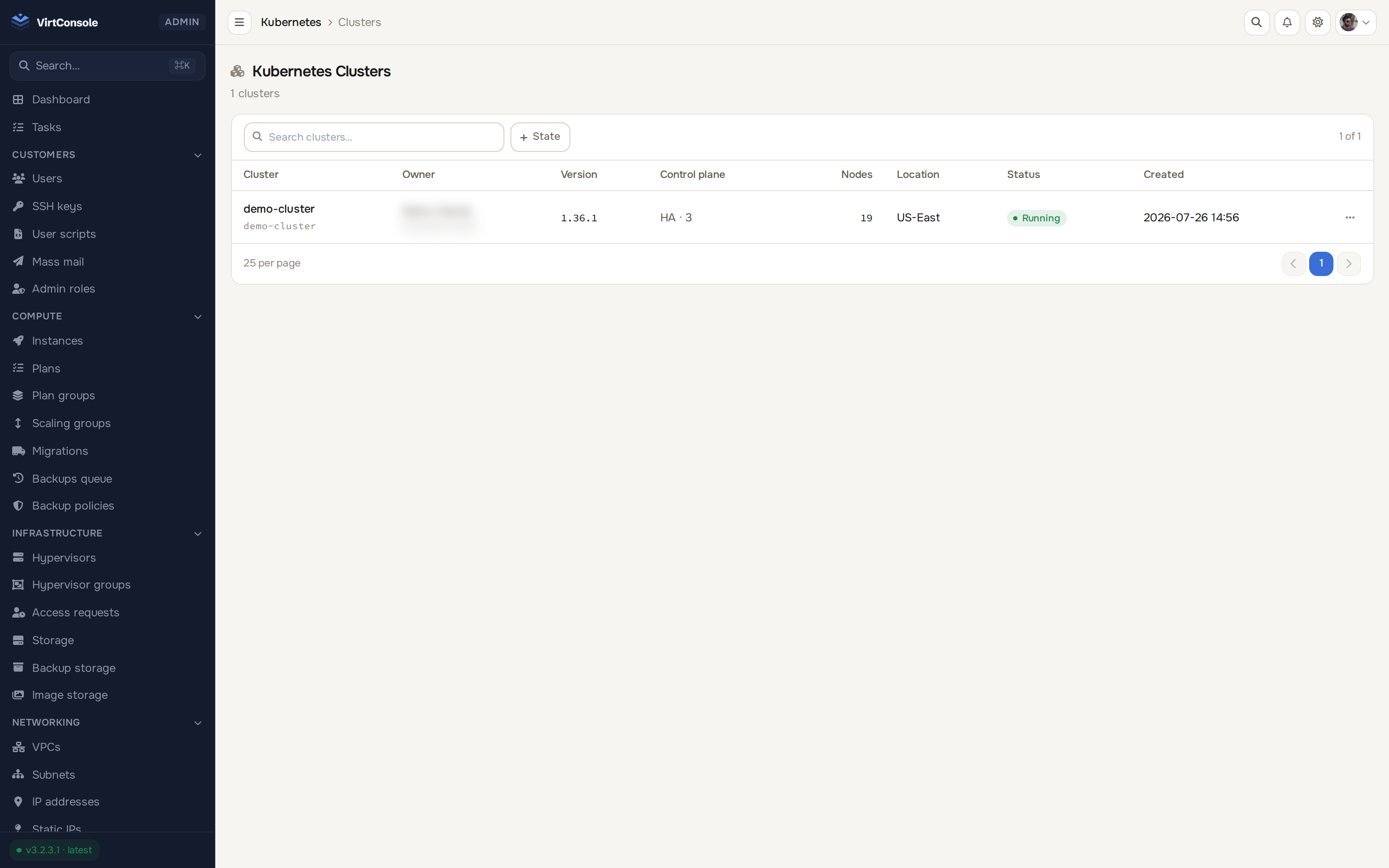
A cluster detail page: control plane status, node pools and workers in one view
MicroVMs are now Sandboxes and Kits. Install seven agent kits from a signed catalog, launch one with a single sentence, and give agents tools such as Linear or Notion through a gateway that keeps provider credentials out of the sandbox.
Recovery drills restore a backup into a disposable guest on a schedule and check that it boots. Fleet alerts bring node, storage, backup and queue events into one place, and this release also adds volume protection policies and restore of an S3 backup or a point in time into a new database.
Update the Master and then every node to the latest release from one action, one node at a time, with progress you can follow. Long operations keep running through service restarts, and this release also improves NVIDIA GPU support and adds an optional source address filter for public interfaces.
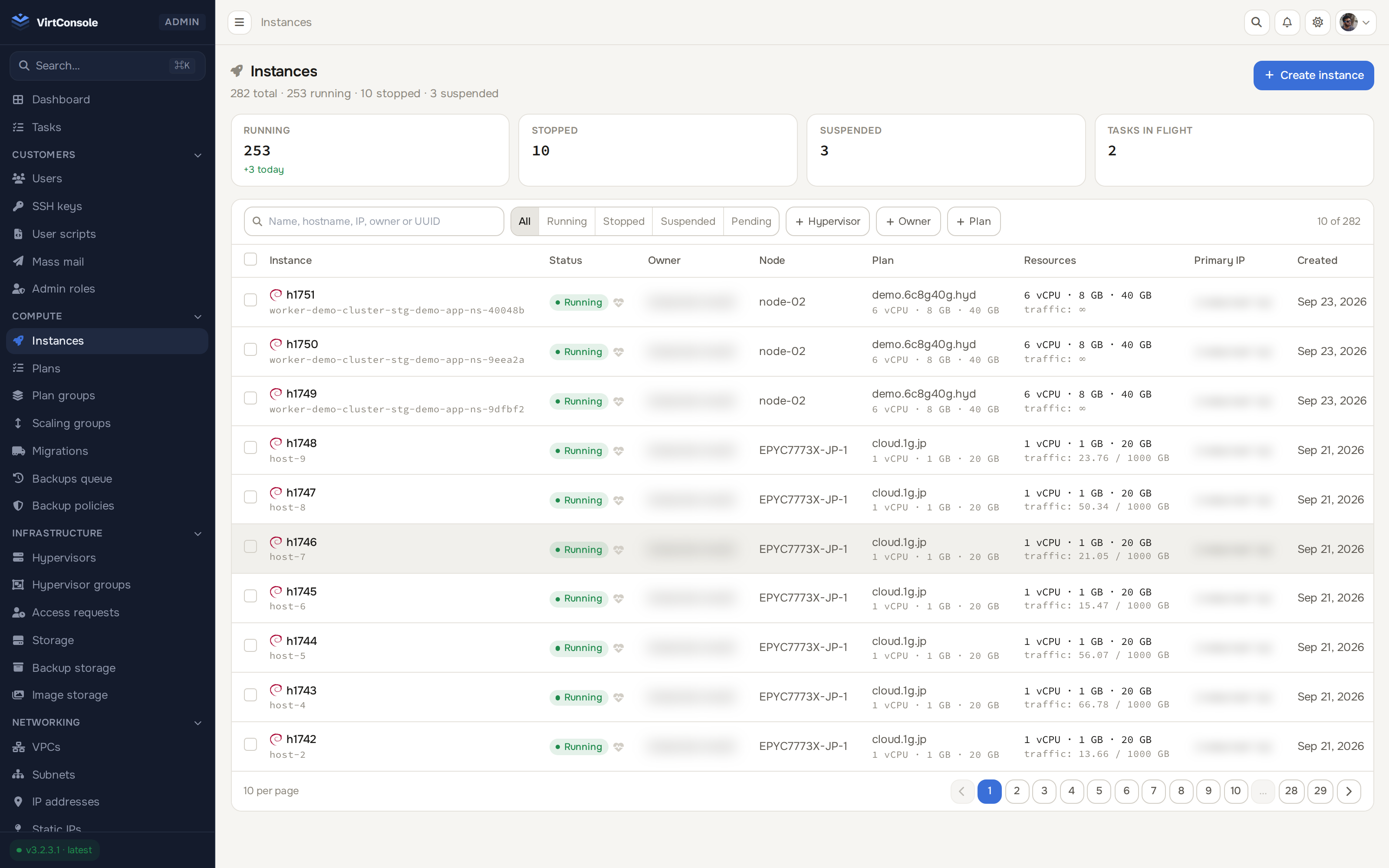
Full VM lifecycle: deploy, suspend, reinstall, migrate, destroy. Real-time VNC console, firewall rules, disk management.
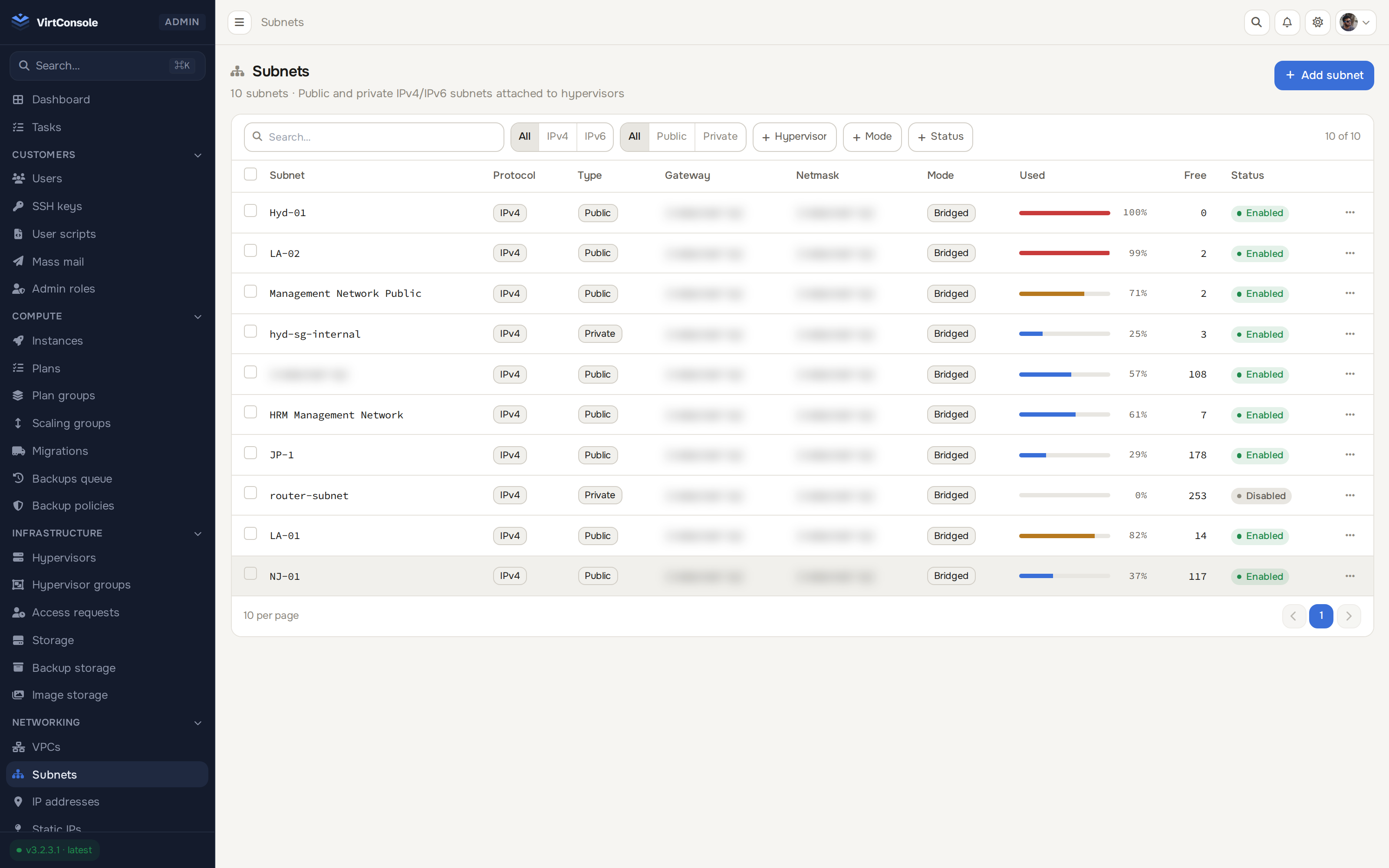
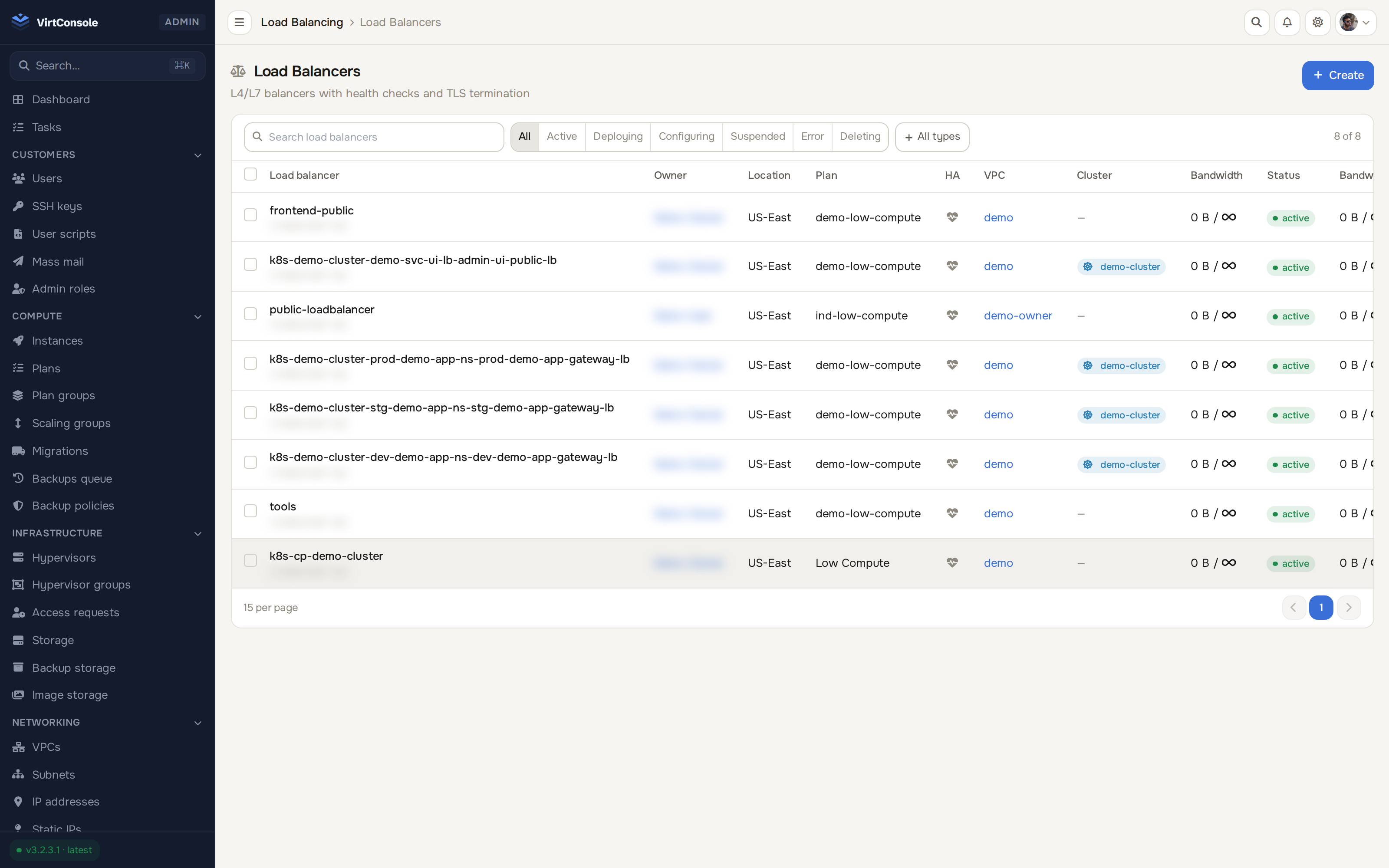
Isolated networks with VXLAN overlay, NAT gateways, subnet management and per-instance firewalls. Full IPv4 and IPv6.
Control plane and workers deployed inside your VPC, with kubectl and kubeconfig access out of the box.
MySQL, MariaDB and PostgreSQL with read replicas, health monitoring, metrics dashboards and hourly billing.
Stream backups to S3, SFTP, FTP or any rclone remote. Incremental chains, zero local staging.
Built-in Stripe, Razorpay and PayPal. Credit top-ups, tax-compliant PDF invoices and refunds. WHMCS still supported.
A full helpdesk built in: departments, SLA timers, internal notes. AI triages every new ticket with a drafted reply grounded in live resource state.
A real SSH shell in the browser, plus noVNC and serial consoles. Works on public and VPC-only instances alike.
Point the panel at an existing PVE 8 or 9 cluster with one API token. Agentless, over the Proxmox API, beside your KVM fleet.
Deploy the master panel and install the agent on your hypervisor nodes. Automatic provisioning handles the rest.
# curl -fsSL https://packages.virtconsole.com/master/install.sh | bashAdd storage pools, configure subnets, set up billing plans, and enable images. Everything from the admin panel.
Customers get self-service instances in seconds, with VNC console, firewalls and backups, while billing meters every resource automatically.
✓ first instance live in under 60 seconds
Honest, side-by-side comparisons against the platforms providers actually evaluate, including where each one still leads.
See the comparisonFrom $2 per hypervisor per month. Every plan includes the full feature set.
Start with a free 30-day trial. No credit card required. Full access to every feature.
30 days, every feature, no credit card, VirtConsole installs with the trial active by default. Just run the installer on your own hardware.
Debian 11/12/13 · Ubuntu 22.04/24.04/26.04 · Rocky / Alma / CentOS Stream 9/10 · run as root.