app.virtconsole.com/kubernetes/clusters/prod/pools
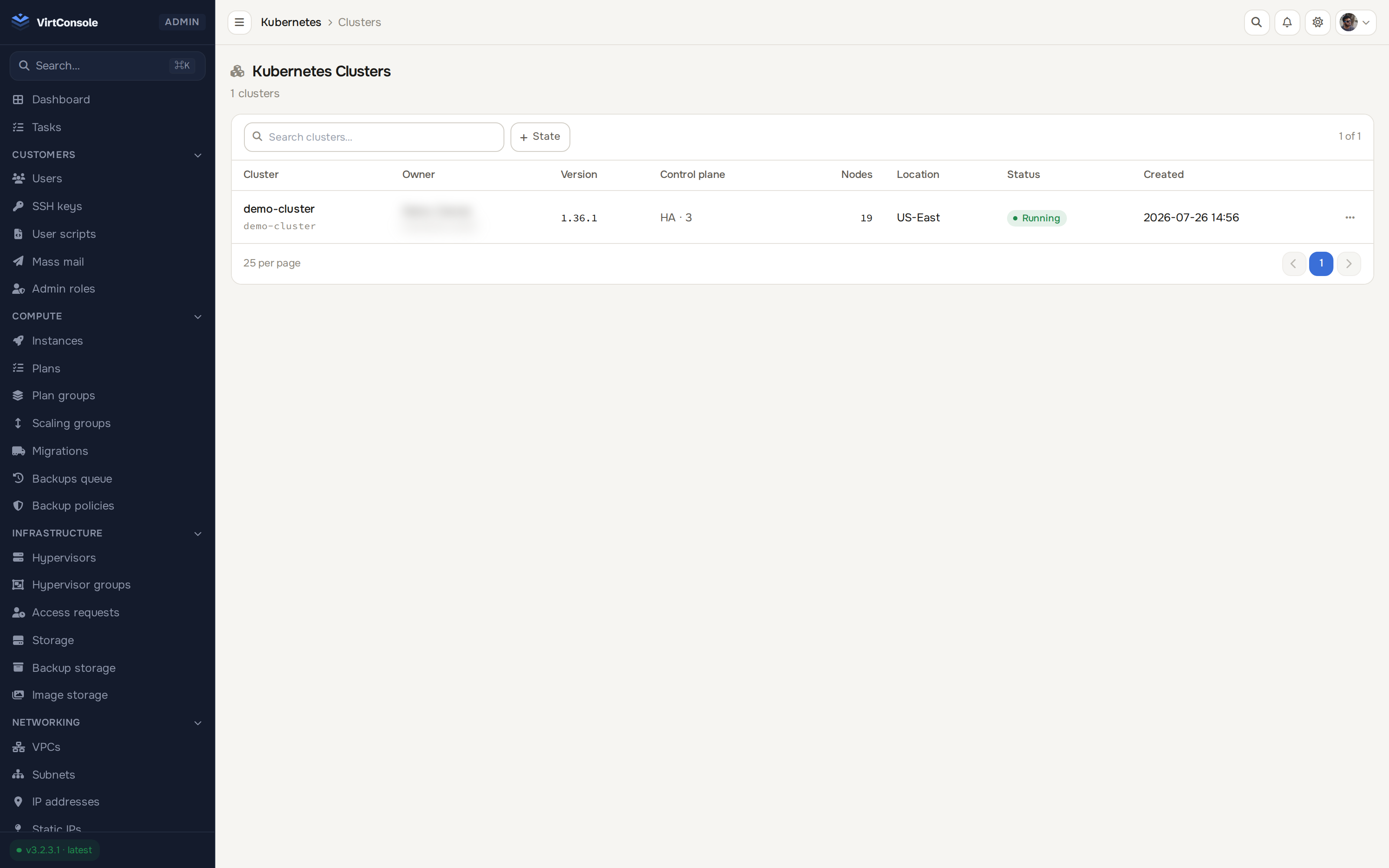
Mix node shapes inside one cluster: a small general pool, a GPU pool and a memory pool side by side, each with its own plan, labels, taints and autoscaling bounds.
Each pool is its own scaling and scheduling unit.
Workers run on the instance plans you already sell. CPU, RAM, storage and network limits come from the plan.
NoSchedule, PreferNoSchedule or NoExecute per pool, pushed to every worker. Renaming a pool heals the labels on the next reconciliation.
Min and max per pool, enforced strictly. A GPU pool can sit at 0 until a workload demands it.
Know which node belongs where, in kubectl and in the panel.
Workers carry a node-pool label following the convention major managed providers use, visible with kubectl get nodes -L.
Panel hostnames include the pool name, so instance lists never show several pools of identically shaped names.
Click into any node for CPU and memory donuts, pod-level utilisation and top consumers.
Change a pool’s plan while it runs. No scale-to-zero, no capacity outage.
New workers on the new plan provision and confirm ready first, then old ones cordon, drain and destroy, one wave at a time.
A badge counts workers still on the previous plan, with a one-click Rotate now action.
Rotating to a smaller plan takes a second, separate confirmation naming the consequence. One click can never start one.
The failure modes are handled, not hoped away.
Cordon, evict within a configurable grace period, respect PodDisruptionBudgets, then delete the VM.
A rotation stuck at pending is redispatched by the janitor. Rotations are resume-safe by design.
Pool deletion marks every member for collection and refuses to remove the pool record if any live member could not be marked.
Node pool shapes, labels and taints alongside the control plane and worker inventory of the same cluster.
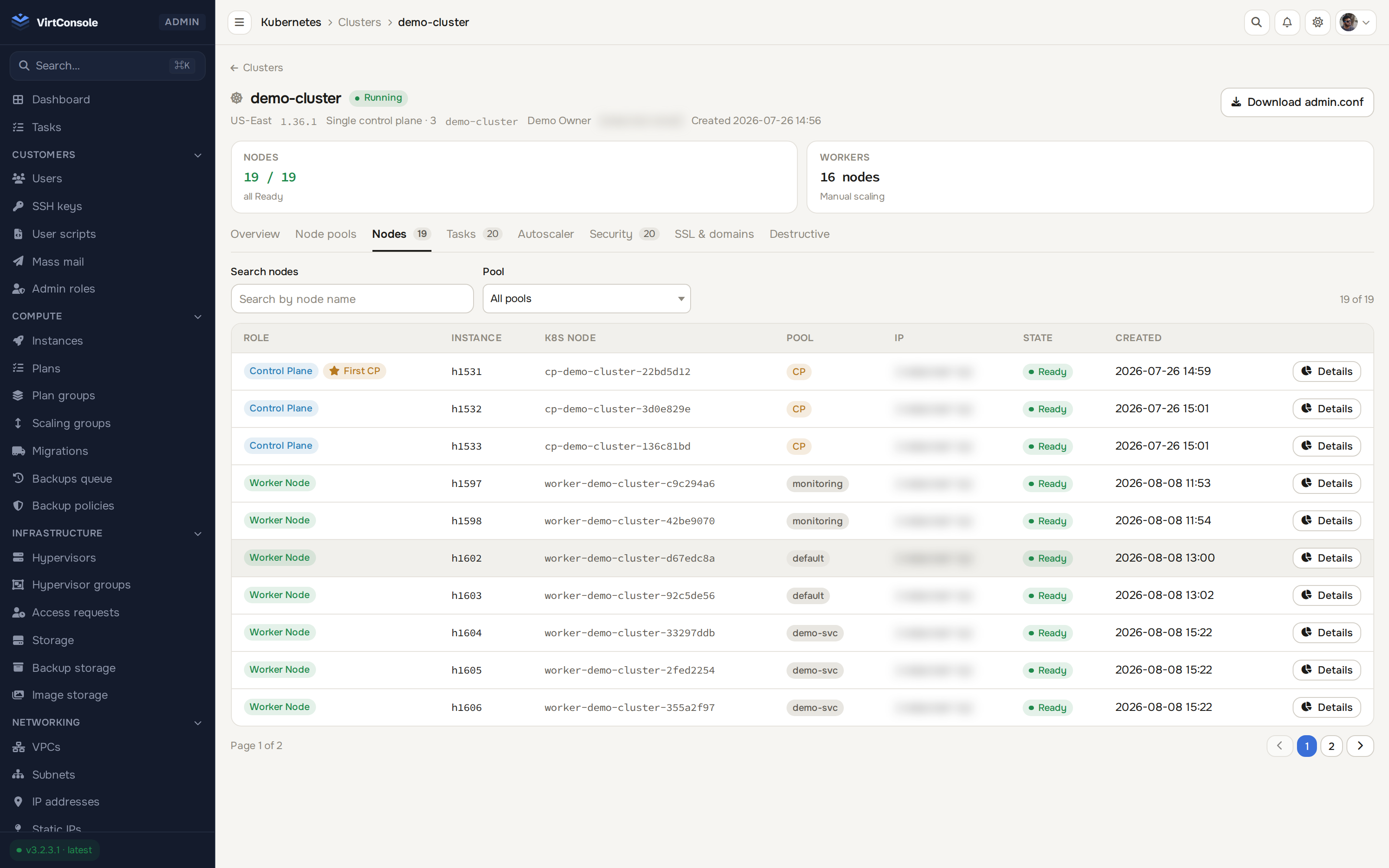
Node pools in context: one cluster, control plane and workers together
Free 30-day trial. Every feature included. No credit card required.
30 days, every feature, no credit card, VirtConsole installs with the trial active by default. Just run the installer on your own hardware.
Debian 11/12/13 · Ubuntu 22.04/24.04/26.04 · Rocky / Alma / CentOS Stream 9/10 · run as root.