app.virtconsole.com/billing/invoices
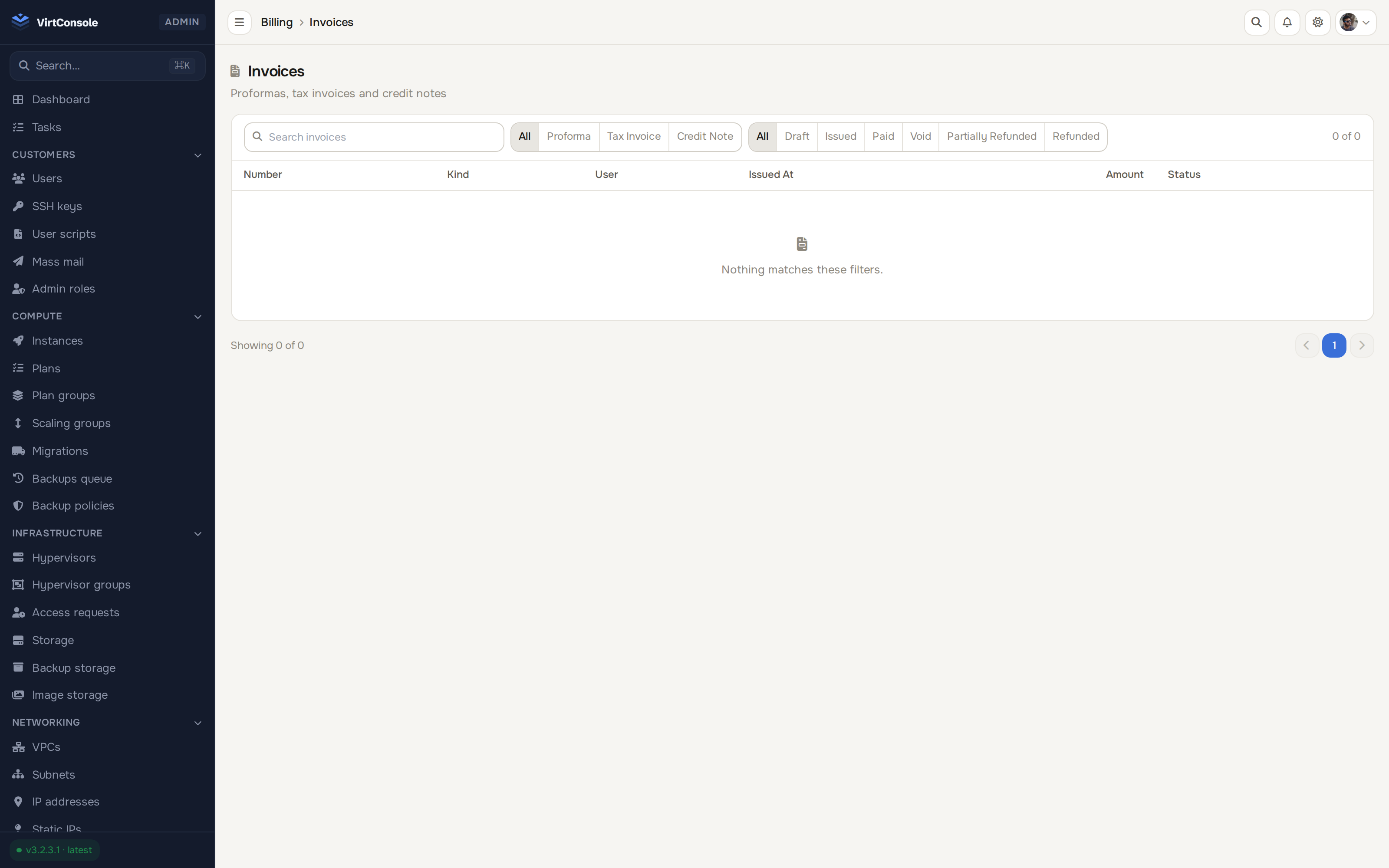
VirtConsole can run the commercial side of a hosting business from the same panel as the machines. It meters running resources at hourly rates, takes payments through Stripe, Razorpay or PayPal, applies tax, issues invoices and handles refunds. If you already use a billing system, it connects to that instead.
Three billing models run independently, and you can use more than one at a time.
Customers hold a prepaid credit balance and the panel deducts the cost of running resources hourly. When credit runs out instances are suspended, and they resume after a top-up.
Sell a set pool of CPU, RAM, disk and IPs up front. The customer creates and destroys instances inside the quota, with per-instance caps you set.
Modules for WHMCS, Blesta, HostBill and Paymenter drive orders, provisioning, suspension and upgrades from the system you already run.
Cloud Service and self-provisioning packs are separate models that operate independently of each other.
The platform meters running resources and deducts the cost, at hourly rates, from the customer's credit. Instances are metered against the plan's price, and services sold on the same credit, such as backups and NAT gateways, are priced and billed hourly alongside them. Locations carry their own pricing, and prices can be set in several currencies.
Plans set what happens when a bandwidth allowance runs out: suspend the network, throttle it, suspend the instance, or keep traffic flowing and charge the overage per GB.
Stripe, Razorpay and PayPal are built in. The panel talks to the gateway API and you never handle card data. Every webhook is verified and logged, and can be replayed.
Each successful top-up produces an invoice, viewable as HTML or PDF. Account credit is prepaid and shown in the customer's billing hub.
Tax rule sets with regional presets, compound and business-only rules, VAT number validation, and per-country rules for blocked countries and top-up limits.
Refund through the original gateway and the matching credit is clawed back. Promo codes carry global and per-user limits.
Optional KYC: customers upload identity documents and you approve them before they can add funds, with per-country overrides.
A billing dashboard with income, realized revenue, credit liability and a 30, 60 and 90 day forecast, plus CSV exports of transactions, invoices, refunds and tax.
You do not have to switch billing systems to use the panel. The modules provision on order, suspend on overdue invoices, apply plan changes, terminate on cancellation and give customers single sign-on to their panel. The built-in billing and an external system can also run side by side, for example when credit top-ups are sold through WHMCS.
The billing hub shows a quote with tax, any convenience fee and any promo code, filtered to the gateways enabled for their currency.
Stripe, Razorpay or PayPal processes it. The panel only talks to the gateway API.
The panel verifies and records the notification. If it ever does not arrive, you can find it in the webhook log and replay it.
The balance rises, a tax invoice is available as a PDF, and metering starts drawing it down as resources run.
Built-in billing is prepaid: customers spend credit, which suits hourly cloud services. If your business sells flat monthly plans with recurring invoices and a mature client area, an external billing system with the matching module is usually the better fit.
Built-in billing is configured in the admin panel, and its gateways and tax rules reflect the regions you set up. Plan your seller details, currencies and tax rules before opening to customers.
Yes. It has hourly credit billing with Stripe, Razorpay and PayPal, tax rules, invoices, refunds, promo codes and reports. You can also connect an external billing system.
The order form can quote monthly, hourly or both. Plans carry a monthly credit price, and the hourly rate is derived from it using a configurable hours-per-month divisor.
The panel applies the balance policy you set. Instances can be suspended automatically, and they resume after a top-up. Low and negative balance thresholds are configurable.
Yes. Currencies are configured in the admin panel and gateways are filtered by enabled currency.
Yes. Modules exist for WHMCS, Blesta, HostBill and Paymenter.
Set up a gateway in test mode, create a plan and watch a first top-up turn into credit and an invoice. The 30-day trial includes every feature.
30 days, every feature, no credit card, VirtConsole installs with the trial active by default. Just run the installer on your own hardware.
Debian 11/12/13 · Ubuntu 22.04/24.04/26.04 · Rocky / Alma / CentOS Stream 9/10 · run as root.