app.virtconsole.com/databases
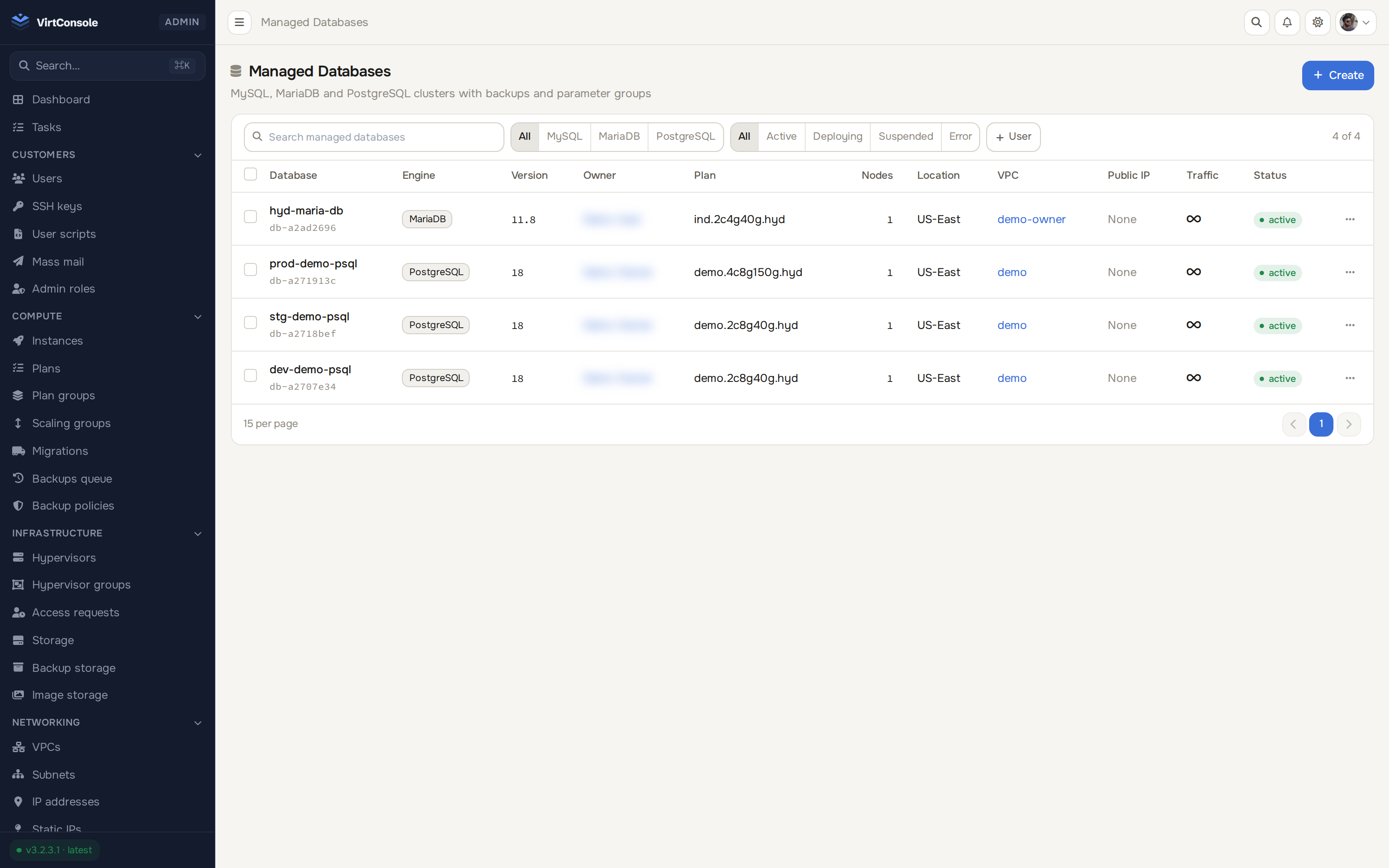
Customers deploy a MySQL, MariaDB or PostgreSQL database from one page instead of operating the engine themselves. The panel provisions the virtual machine, installs the engine, sets up replication, runs scheduled backups and meters usage for hourly billing.
Databases deploy into VPC networking, so the location needs VPC enabled.
The platform supports MySQL, MariaDB and PostgreSQL. Each database runs on its own virtual machine from an image with the engine pre-installed, sized by database plans you define and grouped into plan groups per location.
Deploy, restart, reset the admin password, resize, upgrade the engine version, suspend and resume, all from the customer panel.
Customers apply engine settings as named parameter groups, validated before they are applied.
Health and metrics in the panel, plus scrape endpoints so customers can point their own Prometheus or Grafana at their databases.
Each database gets a real DNS name at provision time. Public databases receive a trusted Let's Encrypt certificate and load it without a restart.
Create replicas over the private network, promote one, and resync. Replication lag is shown, and health checks run across the fleet.
Backup policies write full and incremental backups to an S3 bucket the customer or the admin configures, with retention, encryption and a connection test. Backups prefer a replica as the source.
Continuous log archiving lets a customer restore to an exact moment within a retention window of 1 to 720 hours, not only to last night's backup.
Restore a backup or a point in time into a new database, which must activate successfully before it accepts further operations.
Database plans set CPU, memory, storage and a credit price. A location offers databases when its hypervisor group has VPC and the managed databases toggle enabled, and databases are metered hourly on the same credit balance as every other service. Backup policies can be owned by the customer or managed by an admin.
The create page offers the images and plans you have published for the customer's location. The database is deployed into a VPC the customer picks.
The database gets a real hostname and TLS certificate. A public address is optional, and the admin password is shown once and can be reset at any time.
Attach a backup policy with a schedule, retention and point-in-time recovery, then add a read replica if the workload needs one.
Metrics show health and usage. A database can be resized to a larger plan, and its engine version can be upgraded from the panel.
| Task | Handled by the panel | Left to the customer |
|---|---|---|
| Provisioning and engine install | Virtual machine, image, engine and network | Choosing engine, version and size |
| Replication | Replica creation, lag display, promotion and resync | Deciding when to promote |
| Backups | Scheduling, full and incremental chains, retention, cleanup | Owning the S3 bucket when it is their own |
| Recovery | Restore into a new database, point-in-time restore | Choosing the recovery point |
| Schema and queries | Not managed | All application data and design |
Source: VirtConsole documentation, managed databases and database backup policies.
MySQL, MariaDB and PostgreSQL.
Yes. With point-in-time recovery enabled, a customer can restore to an exact moment within the retention window, which is configurable from 1 to 720 hours.
To an S3 bucket configured on the backup policy. A connection test verifies it before use.
Yes. Replicas replicate over the private network, can be promoted, and show replication lag.
Databases are metered hourly against the customer's credit balance, at the prices on the database plan.
Install the panel on a server you own and link a KVM host or a Proxmox VE node. The 30-day trial includes every feature and needs no credit card.
30 days, every feature, no credit card, VirtConsole installs with the trial active by default. Just run the installer on your own hardware.
Debian 11/12/13 · Ubuntu 22.04/24.04/26.04 · Rocky / Alma / CentOS Stream 9/10 · run as root.